


Most designers, at some point, find themselves circling the same ideas, the same references, the same process, and the same outputs. As someone who is constantly exploring new products and experimenting with AI tools, Arjun wanted to share some actionable pointers for designers to move past that creative plateau.
Before we get into it, let's look into what's actually keeping designers stuck.
Common problems that come with a limited design skillset
Good ideas start to feel finite:
You find yourself circling back to the same concepts, and what once felt inventive now feels repetitive. Your sources of inspiration become obvious. Instead of transforming ideas, the final work carries someone else’s fingerprints.
Creativity becomes stale:
Instead of fresh or innovative solutions, your work begins to follow safe, predictable patterns. Your designs all look and feel the same, with just a different coat of paint.
Complacency sets in:
Familiar workflows make you stop pushing, and you default to what you already know will work. Surface-level solutions replace depth, finesse, and thoughtful decision-making.
Imposter syndrome creeps in:
You start questioning whether you’re actually skilled or just getting by on luck.
What motivated you starts feeling tedious:
The excitement that drew you to design in the first place feels harder to access.
Here’s how you can break out of this loop
It’s common to feel that it takes heavy lifting to get out of this quicksand. We’re sharing some actionable steps you can do daily (something folks at Canvs practice as well), and watch your skill set compound over time.
Observe design beyond your immediate domain
Design isn’t confined to screens or apps, good design is in everything you do on a daily basis.
Look at products, services, and experiences outside your field to understand how solutions are crafted in different contexts.
Pay attention to patterns, hierarchies, and interactions in everyday objects and environments. They often reveal principles that can be adapted to digital work.
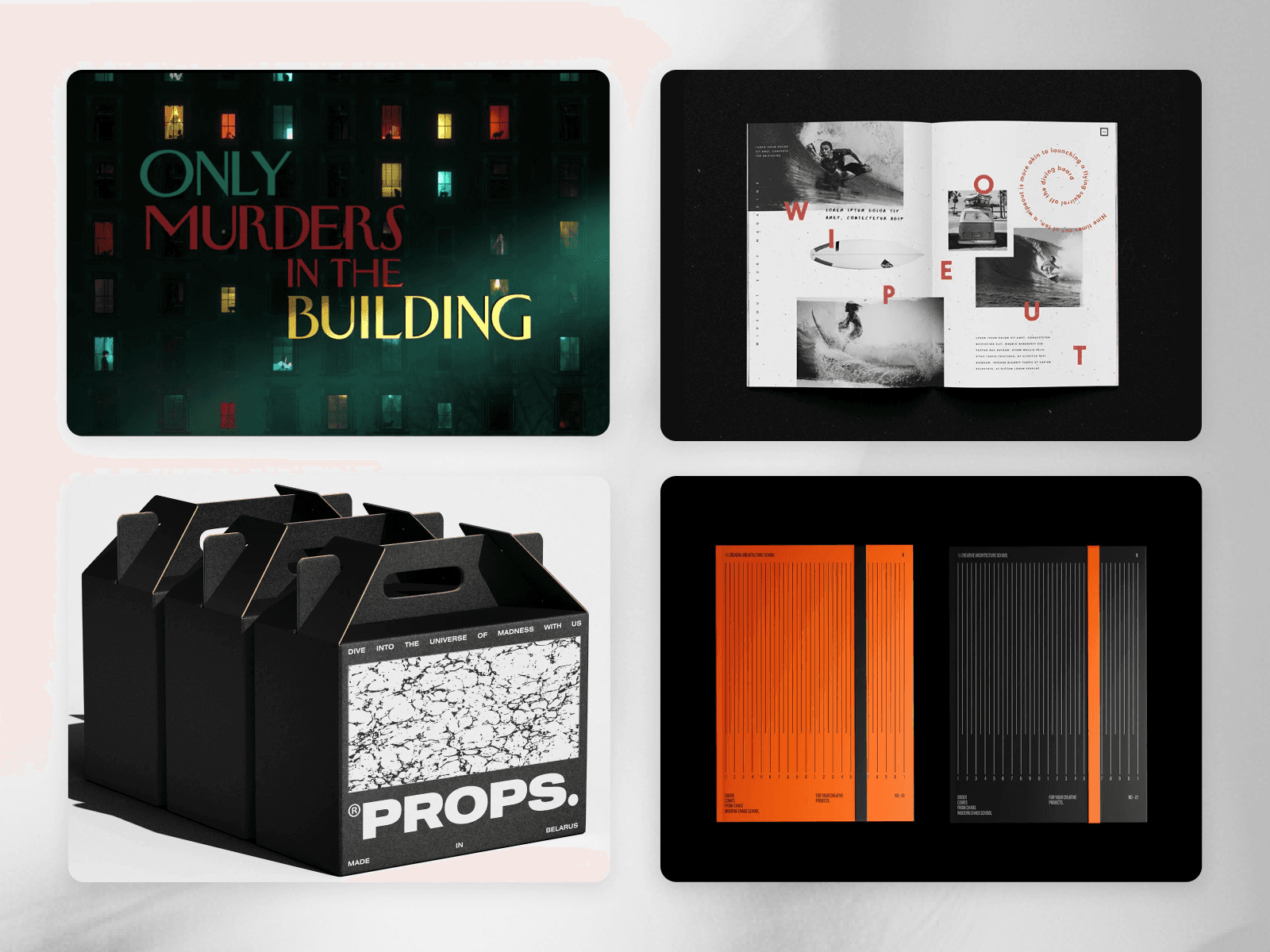
You can draw your inspirations from TV show title screens, book covers, packaging design, architecture, physical devices, and so much more.
Widen your inspiration pool
Regularly explore new referencing and inspiration websites outside your usual go-to platforms.
Bookmark or maintain a personal library of digital experiences that inspire you, so you can reference them when tackling your own work.
Build a reference system that actually works when you need it. Categorise your references by principle rather than aesthetic (for instance, interaction patterns, information density, etc.), and revisit them when solving similar problems.
Expand what you use, not just what you look at. Sign up for products outside your domain, like finance tools, logistics platforms, niche community apps. Using a well-designed procurement system or a construction project tracker shows you how other industries solve complexity, hierarchy, and workflows.
Expand the list of tools you use, and become fluent in it.
3. Learn by dissecting and adapting it in your context
Look closely at work that inspires you and figure out why it works, how the layout, colour palette, or interactions guide the experience. Then adapt them so they become part of your own design approach.
Recreate elements or entire interfaces as exercises to internalise principles and identify nuances you might otherwise miss.
Replicate as a practice to build skill and understanding, not replicating someone else’s work for output.
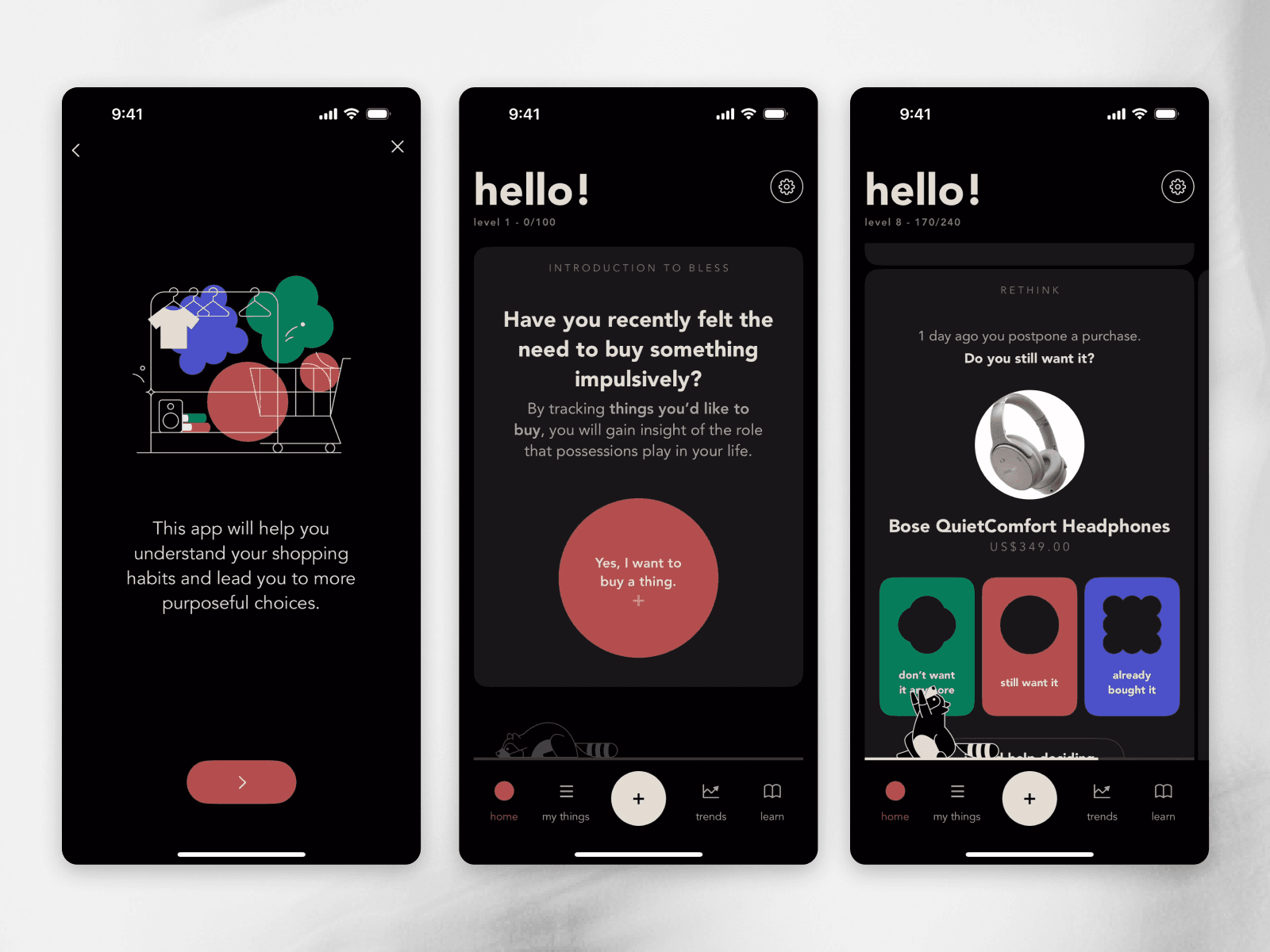
Look at other products and how they are designed. Take that and try to use those concepts in your context.
4. Use AI as your creative multiplier
Use AI to speed up execution and push your thinking. This can include exploring layout variations, rapid prototyping, UX copy creation, creating proof of concepts, and so much more.
Treat AI as your collaborator and always filter its output through your judgment to maintain originality and control.
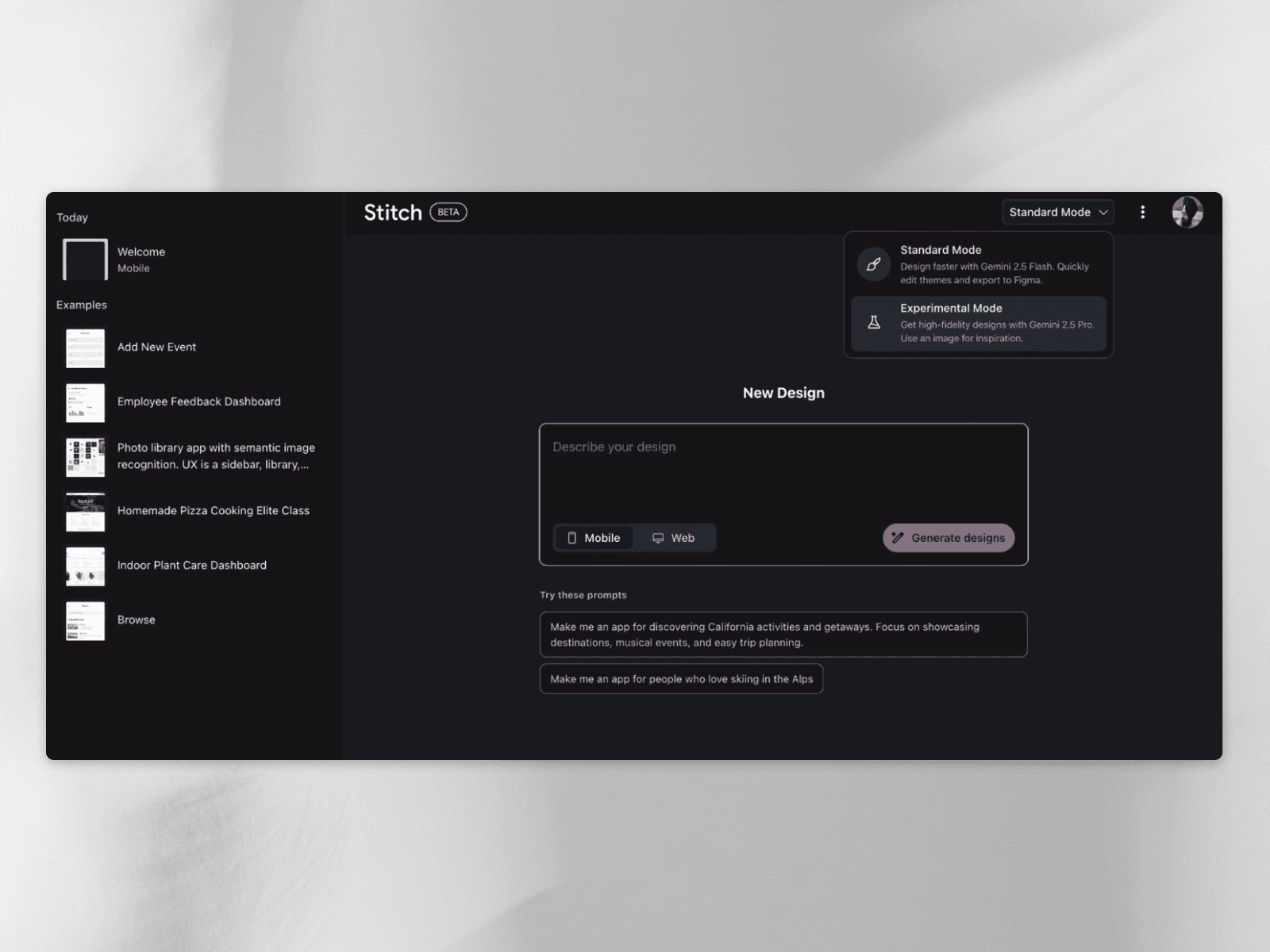
We wanna list some tools for you to try out:
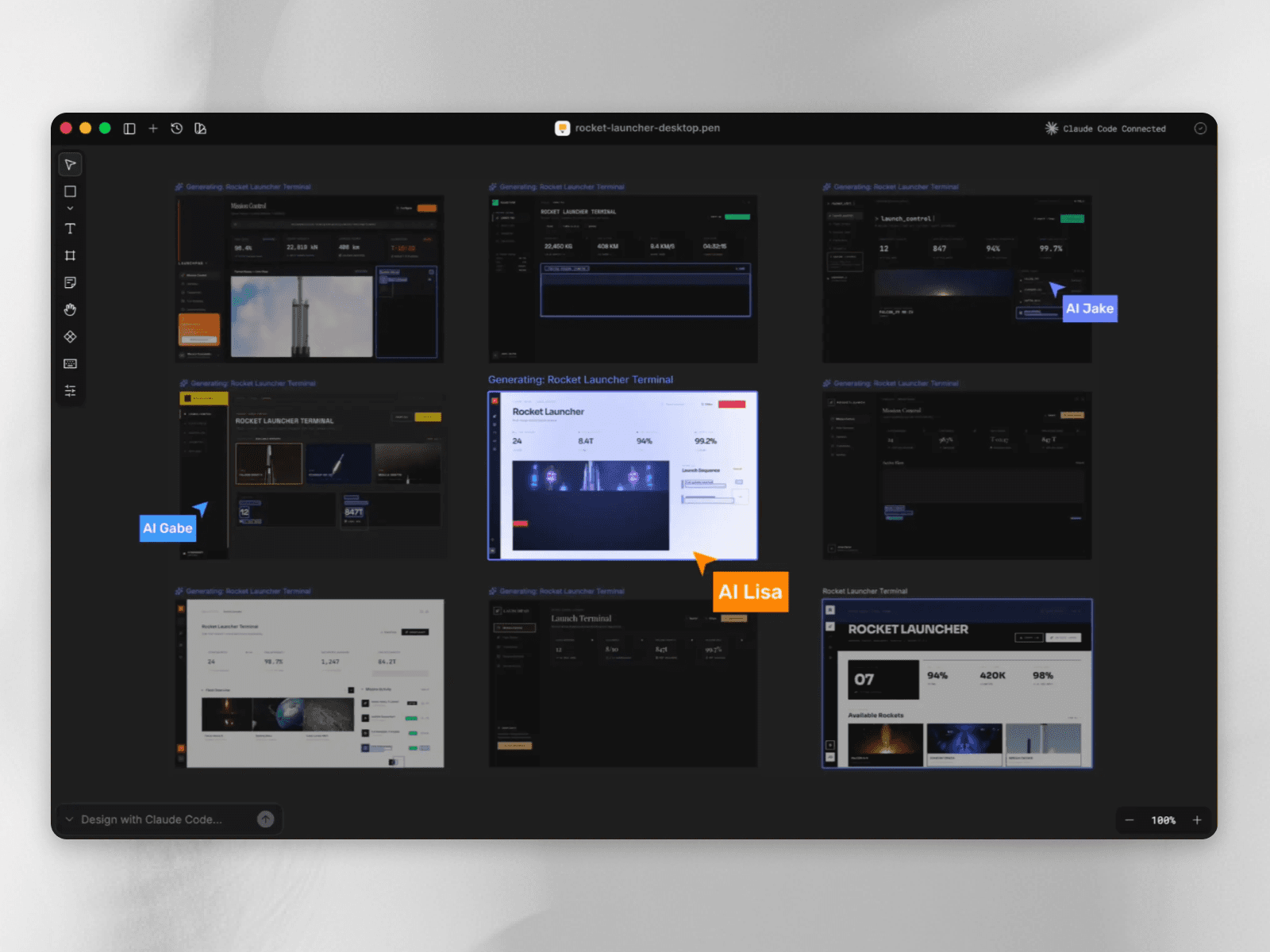
Pencil: Pencil fundamentally increases your engineering speed by bringing designing directly into your preferred IDE.
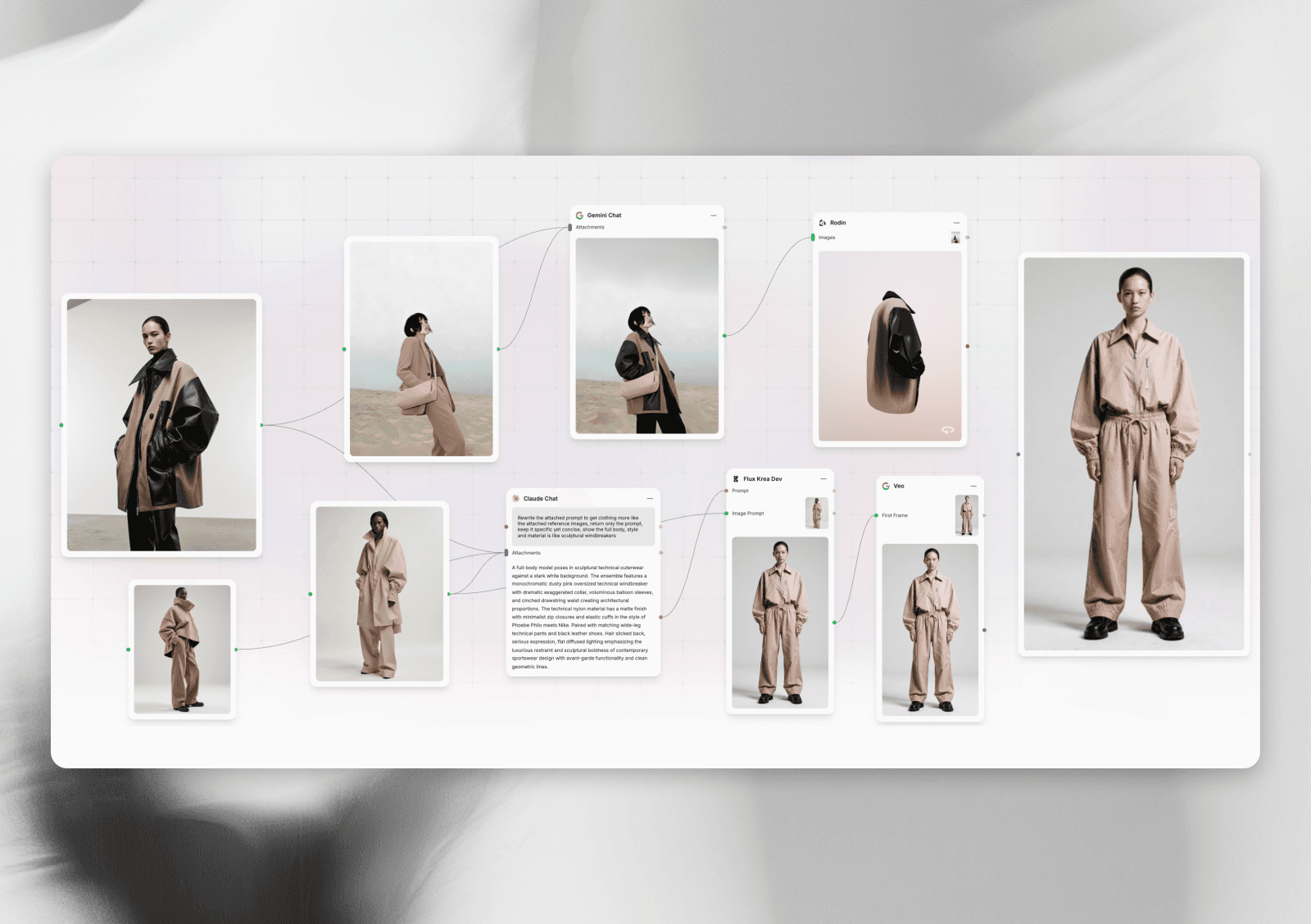
b. Fuser: Fuser is an AI canvas that gives designers access to 200+ AI models across all formats (text, image, video, audio, 3D) in one workspace. It accelerates the entire design process from rough sketches to finished outputs through pre-built workflows and multi-model iteration.
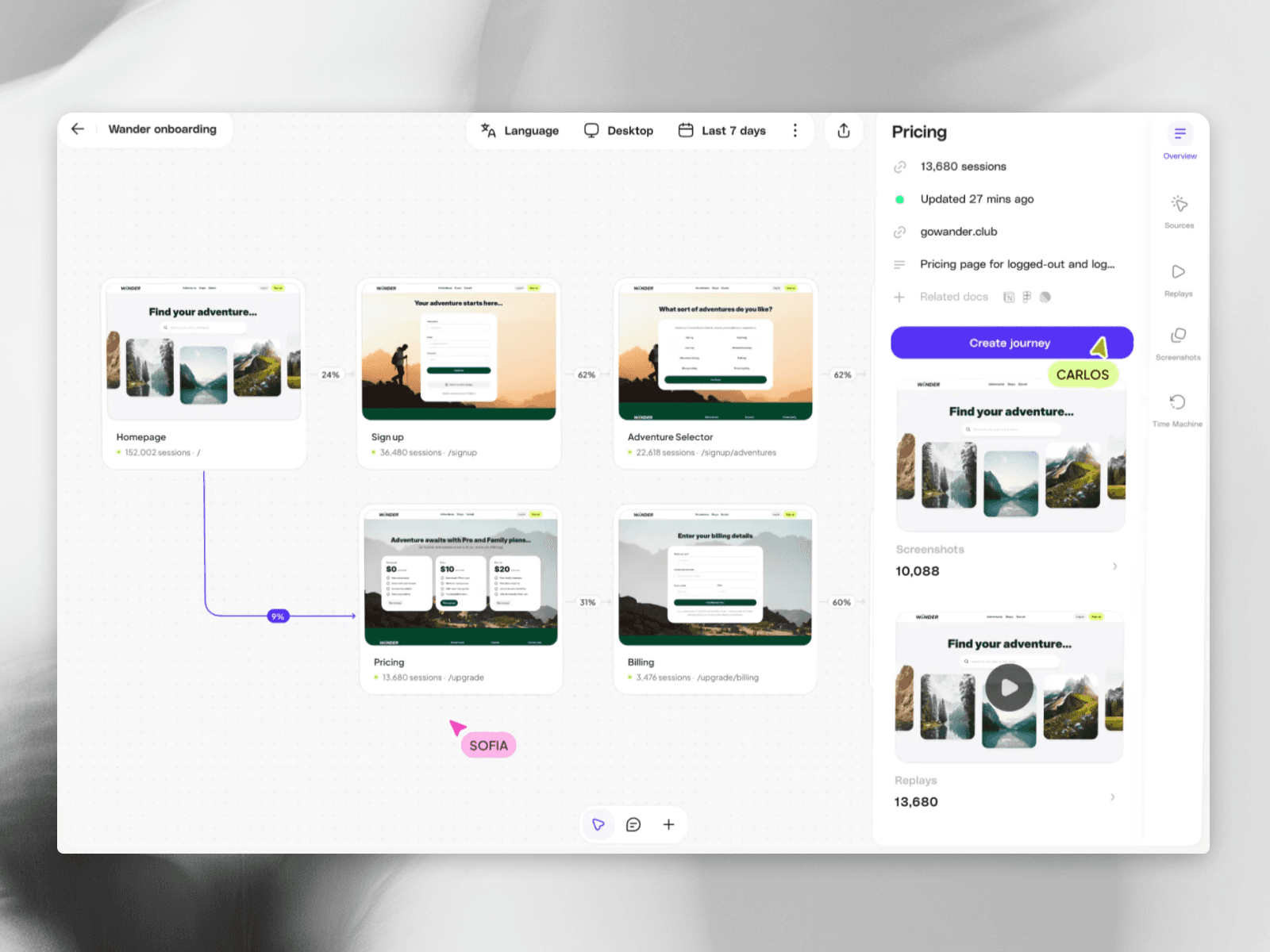
c. Adora: It’s an AI tool which maps every journey, every screen, every interaction. The entire product is mapped for you, overlaid with analytics, replays and made searchable.
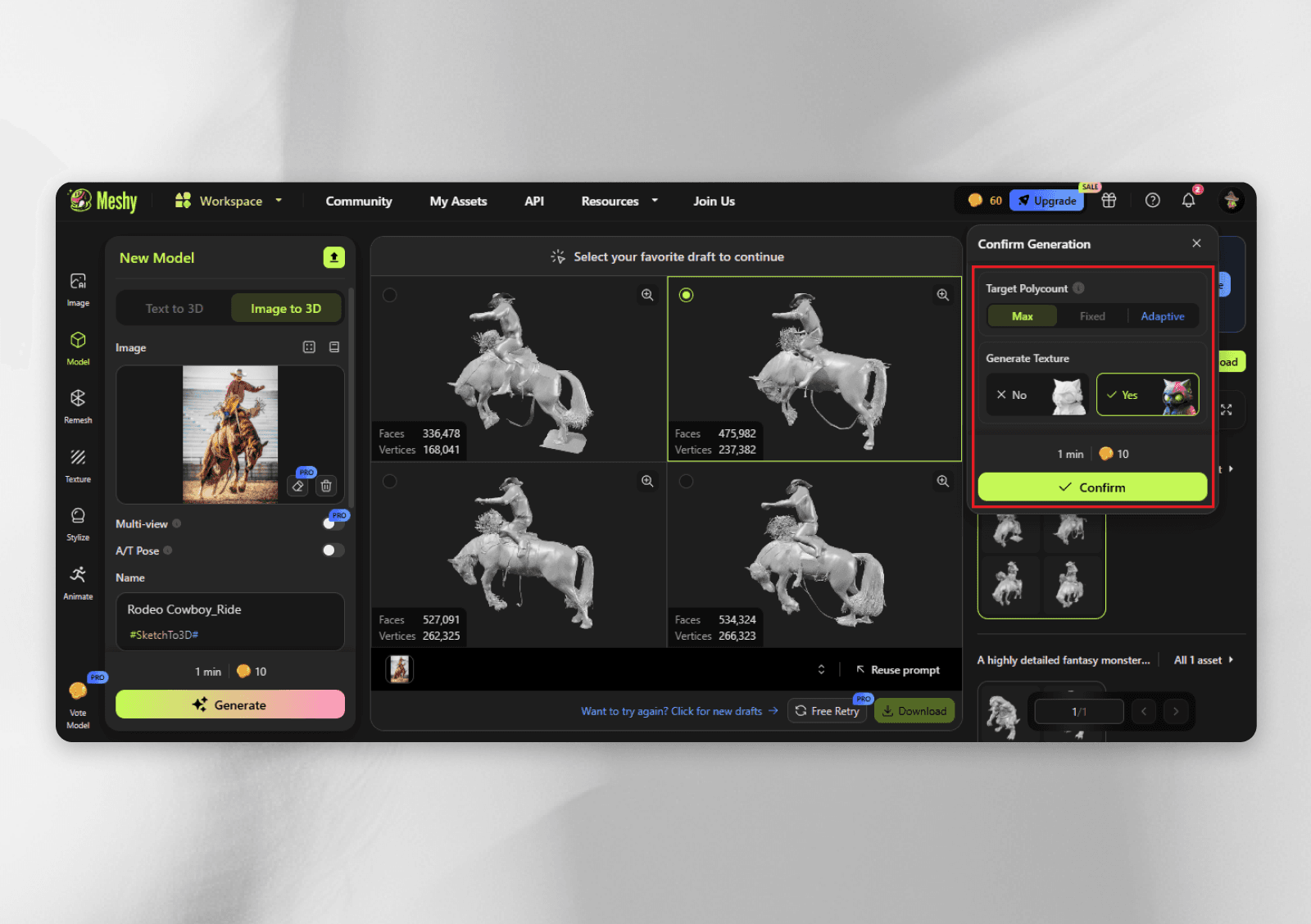
d. Meshy: Create production-ready 3D models from text and images in seconds with this AI 3D model generator. It’s perfect for 3D artists, game developers, and creators.
5. Share your work
Document and share your process. Show sketches, iterations, and problem-solving to make your expertise visible and build a following.
Teach and contribute by sharing insights, tips, or tutorials. Positioning yourself as a resource will boost your credibility and marketability.
Stay consistent and engaged by regularly sharing your work. Even imperfect work keeps you visible, showcases mastery, and connects you with the broader creative community.
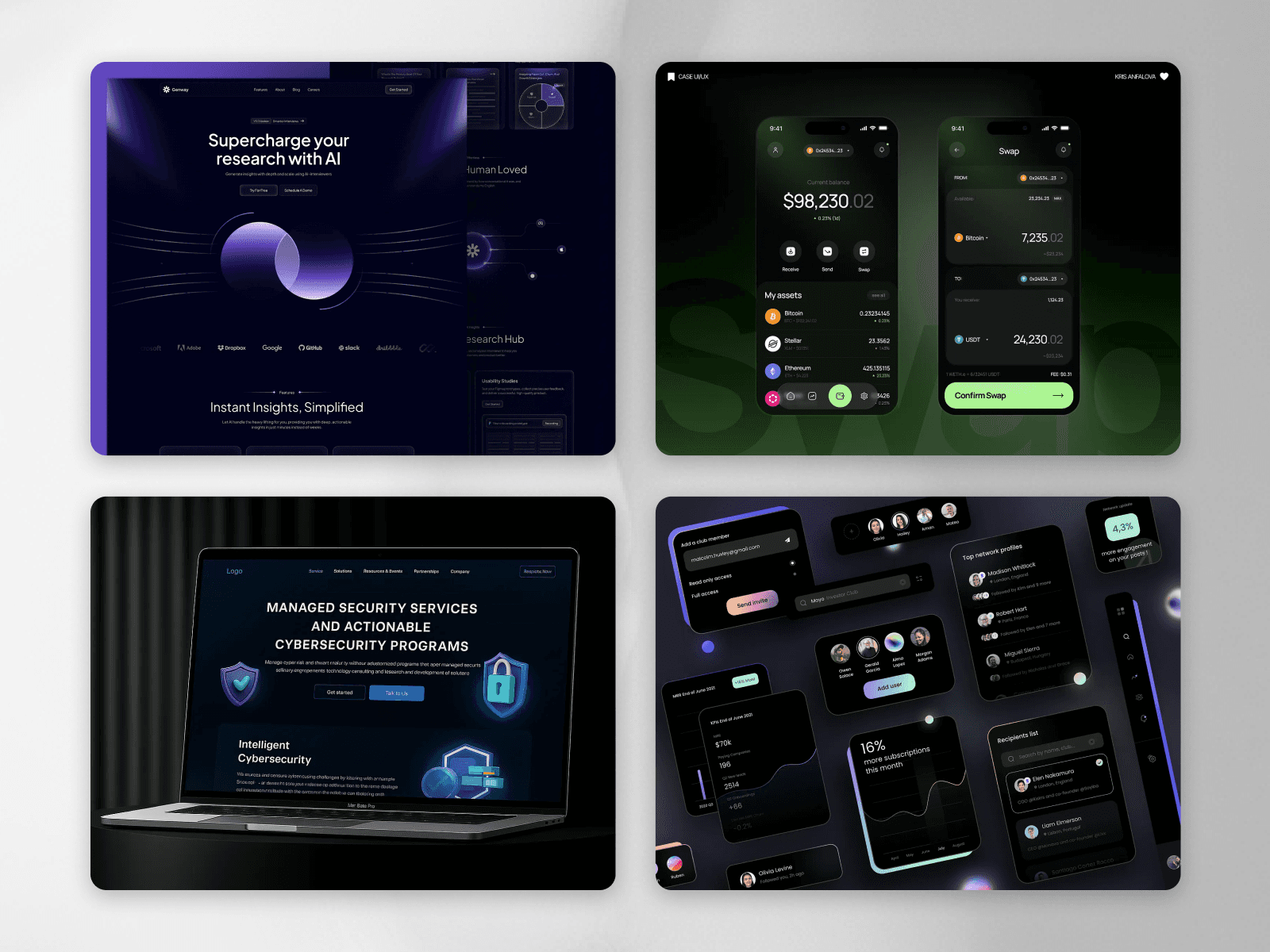
Show your work! Show bits and pieces of what you're working on, and its behind-the-scenes, instead of directly showing the final output. It showcases your thought process, plus people love knowing how something was built,
Consistency is something that will always win
Shortcuts are not the way to be better at something. The only way to really get better is to actually do the work, put in the effort, get your hands dirty, and go into the nitty-gritty of things, every day.
Look at other designs, try things slightly differently, and keep iterating on your own. Whenever you come across something, ask “why” 5 times to get to the roots of the decisions taken.
This is what will help you actually move the needle.